Sunday night spreadsheet
Orders arrive by text, by email and through a form, and you retype all of them into one sheet before you can order protein. Three hours of it, every week, after service.
156 hours a yearMeal prep kitchens, week after week
FreezerFive takes every order your families placed this week and turns it into one scaled ingredient total, one allergen marked pick list and one grouped delivery run. You stop rebuilding the same spreadsheet every Sunday night at the kitchen table.
Where the week goes sideways
You can braise for forty. What eats the week is the arithmetic between the order form and the walk in: counting portions twice, converting a recipe written for six into a batch for sixty three, and holding four allergen notes in your head while the timer goes off.
Orders arrive by text, by email and through a form, and you retype all of them into one sheet before you can order protein. Three hours of it, every week, after service.
156 hours a yearWhen the ingredient math is a guess you round up, and the extra case of produce wilts by Thursday. Small kitchens routinely throw out a tenth of what they buy.
$4,100 wastedA dairy note lives in one order comment and nowhere else. Catching it at the packing table is luck, and missing it costs a family and a reputation.
1 lost accountYou know your regulars, so you drive the route you have always driven. Two new customers on the far side of town add ninety minutes to a Thursday that had none to spare.
6 hours a monthOne production week
FreezerFive follows the rhythm your kitchen already runs on. Nothing here asks you to change how you cook, only to stop doing the counting by hand.
Pick this week's dishes from your rotation, set the order cutoff and send the link. Customers choose portions, family size and the weeks they want to skip, and everything lands in one place.
Every order scales the recipe behind it. By Wednesday at cutoff you have exact pounds, quarts and counts for the whole week, split by dish and consolidated by ingredient for your purveyor order.
One sheet tells you what comes out of the freezer tonight and what gets prepped in what order tomorrow. Allergen flags print in red next to the customer name, not buried in a comment field.
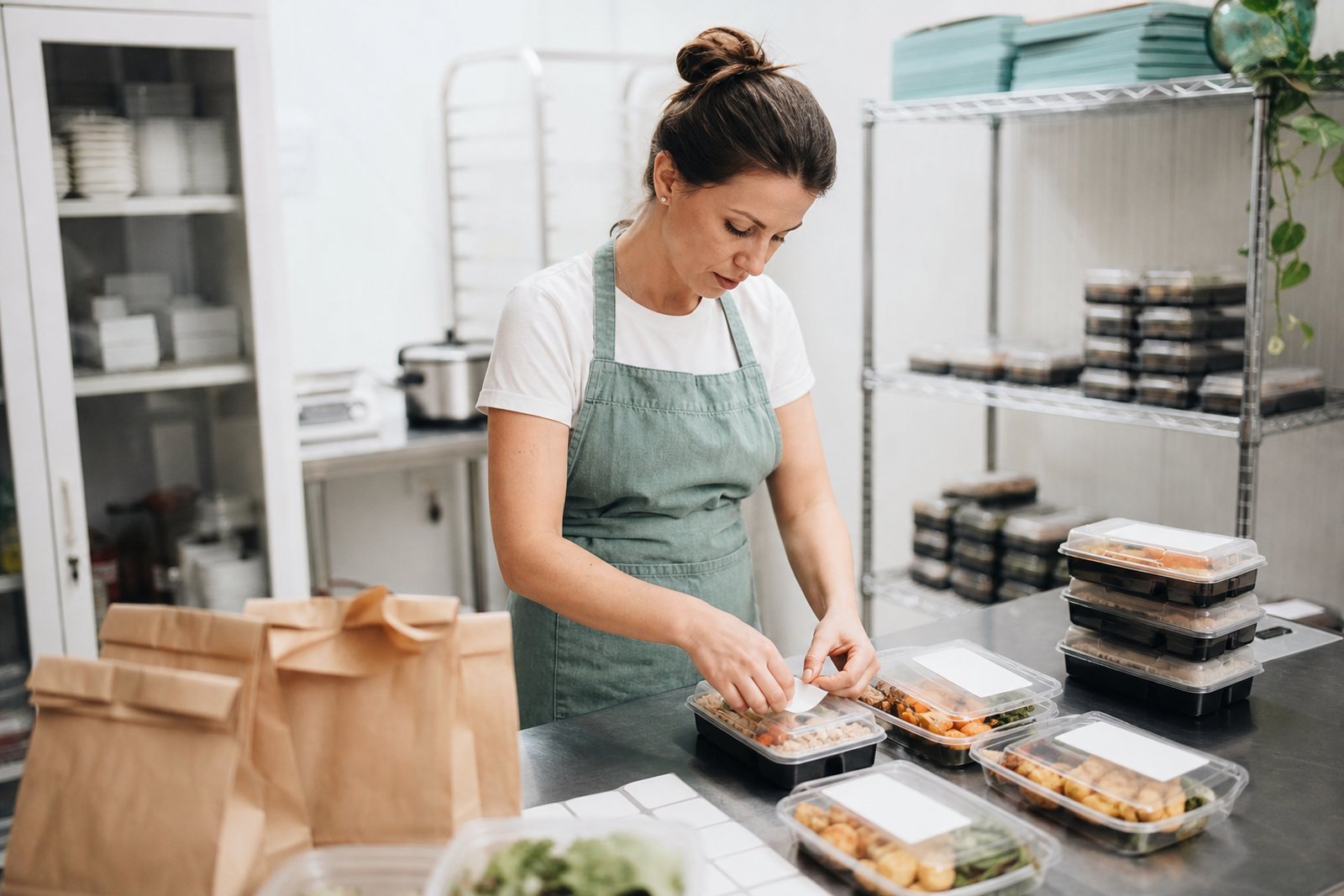
Labels print per container with the dish, the date, the reheat note and the flags. Deliveries group by zip cluster and time window so the Thursday drive is planned before you load the car.
What is in the box
Six things carry almost the whole week. Each one exists because a kitchen owner told us which part of Sunday she wanted back.
Publish a rotating menu with portion sizes, cutoff dates and per dish limits so you never sell more braise than your oven holds. Customers manage their own skips and swaps without texting you at 10pm.
Enter a recipe once at its base yield and the system scales it to the exact order count, converting ounces to pounds and cups to quarts as the numbers grow. Totals consolidate across dishes so you order onions once, not five times.
Tag an ingredient with its allergens once and every recipe containing it inherits the flag permanently. Flags travel to the order screen, the pick list and the printed container label without anyone retyping them.
Print a freezer pull list the night before and a prep sheet ordered by station and cook time the morning of. Check lines off on paper or on a phone, and the counts stay in sync either way.
Orders cluster by zip code and requested window into runs you can actually drive, with an estimated time per stop and a printable manifest. Add a new customer and the group updates before you leave the kitchen.
Every container gets a label with the dish, pack date, reheat instruction and allergen flags in one pass. The same recipe data gives you a live cost per portion, so you see margin drift the week a case of butter jumps.
What changes by week four
These are the numbers our kitchens report after a month of live order weeks, measured against the four weeks before they started.
The order sheet builds itself as customers submit, so the retyping and the double counting stop. Owners get their evening back before the week even starts.
Buying to an exact scaled total instead of a padded guess is the whole trick. Kitchens stop carrying a safety case of vegetables that never gets cooked.
When ordering is a link rather than a text thread, regulars add a dish and neighbors order without being chased. Capacity, not admin, becomes the limit.
Grouping stops by zip cluster and time window removes the doubling back. That is one more prep hour on a Thursday, or dinner at home on time.
Kitchens on the system
"I cooked for a hundred families out of a spreadsheet for four years and I was proud of that spreadsheet. The first week the pick list printed with the exact pounds on it I stood there and read it twice. I have not opened the old sheet since March."
"The allergen flags are the part I would not give up. We have eleven families with restrictions and every one of those flags now prints on the label without me thinking about it. My packer catches things at the table because the paper tells her, not because she remembers."
"We added a second delivery day in Beaverton and I was dreading the routing. It grouped the stops for me in about four seconds and printed a manifest my driver could actually follow. Our Thursday ends before school pickup now."
US meal prep kitchens running their week on FreezerFive
Family portions scaled, picked and labeled in the last twelve months
Of kitchens still on the system twelve months after their first order week
Plans
Pick the tier that matches the portions you pack and the routes you drive. Every plan carries the full ordering, scaling and allergen engine, because none of that should be an upsell.
$29 per month
Cottage food operations up to 60 portions a week
$79 per month
Licensed kitchens packing 60 to 350 portions a week
$159 per month
Kitchens driving several delivery days or pickup sites
All prices are in US dollars and billed monthly. There is no setup fee, no contract and no minimum term, and you can cancel from the billing page at any time.
Fit and scope
FreezerFive was shaped by owners cooking real volume in small rooms. If your week looks like one of these, none of it will feel like a stretch.
One cook, a home license, forty portions on a Thursday and a customer list held together by group texts. The ordering page and the pick list carry almost the whole load here.
Two to four hands, a rented commercial room three days a week, and a rotation of twelve dishes. Scaling, purveyor exports and cost per portion are what keep the margin visible.
Two delivery days, a pickup site at a gym or a farm stand, and a driver who is not you. Route grouping, manifests and staff logins are where the hours come back.
Straight answers
Home Kitchen is $29 per month, Commercial Kitchen is $79 per month and Multi Route is $159 per month, all in US dollars. Every plan is billed monthly with no setup fee and no annual contract. You can move up or down a tier at the start of any billing cycle, and the change takes effect on the next invoice. If you cancel, your account stays open until the end of the month you already paid for.
Most kitchens enter their first rotation in an afternoon. You add each dish once with its base yield and ingredient list, and from then on the scaling math runs on its own. Kitchens with a large recipe binder usually send us a spreadsheet and we import it for them at no charge. The first live order week is where the real learning happens, and we stay reachable by email through it.
You do, without qualification. Your recipes, ingredient costs, customer records and order history belong to your business and are never sold, shared or used to train anything. You can export everything to CSV yourself from the account settings at any hour, including closed order weeks. If you close your account, we delete your production data within 30 days of the request.
Orders and customer records export to CSV for QuickBooks, Wave or your bookkeeper's template. Pick lists and prep sheets print straight to any thermal or letter printer, and label text exports in a format DYMO and Brother label software reads. Route groups export as address lists you can drop into Google Maps or Circuit. There is a read only calendar feed so your delivery days show up next to everything else on your phone.
You cancel from the billing page in two clicks and nothing else is required. There is no cancellation fee, no exit interview and no phone call to sit through. Many seasonal kitchens pause over the holidays and come back in January, and their menus, customers and order history are still exactly where they left them. Reopening an account takes about a minute.
The software does not replace your judgment, it removes the memory work. You tag each ingredient once with the allergens it carries, and every dish that uses it inherits those flags for the rest of its life on your menu. When a customer with a tree nut restriction orders, the pick list and the container label both carry the flag in red so nothing depends on remembering at 6 in the morning. Your final check at the packing table is still the one that counts.
Getting started and staying supported
Send your recipe file in whatever shape it is in, spreadsheet, scanned binder page or a folder of notes. We load the dishes, yields and ingredients for you before your first published menu.
We stay reachable through your first published menu, cutoff and pack out. Most questions in that week are about label formats and portion caps, and both take minutes to settle.
Email support is answered by people who have run a pack out, within one business day and usually the same afternoon. There is no ticket queue between you and an answer.
Talk to us
Send the menu you are running now and the way orders reach you today. On a 25 minute call we load a sample week into the system and print the sheets so you can judge it against the way your kitchen really works.
If it does not fit your kitchen, we will tell you that on the call rather than sell you a plan you will cancel in six weeks.
We reply within one business day, usually the same afternoon. Between prep days you can send a note straight to jimenezjulien42@gmail.com instead.